Challenge
What did the project really need?
التحدي هنا ليس في بناء الفكرة من الصفر، بل في صقلها وتعديل طريقة عرضها لتكون أكثر نضجًا ووضوحًا بحسب النسخة.

Project case study
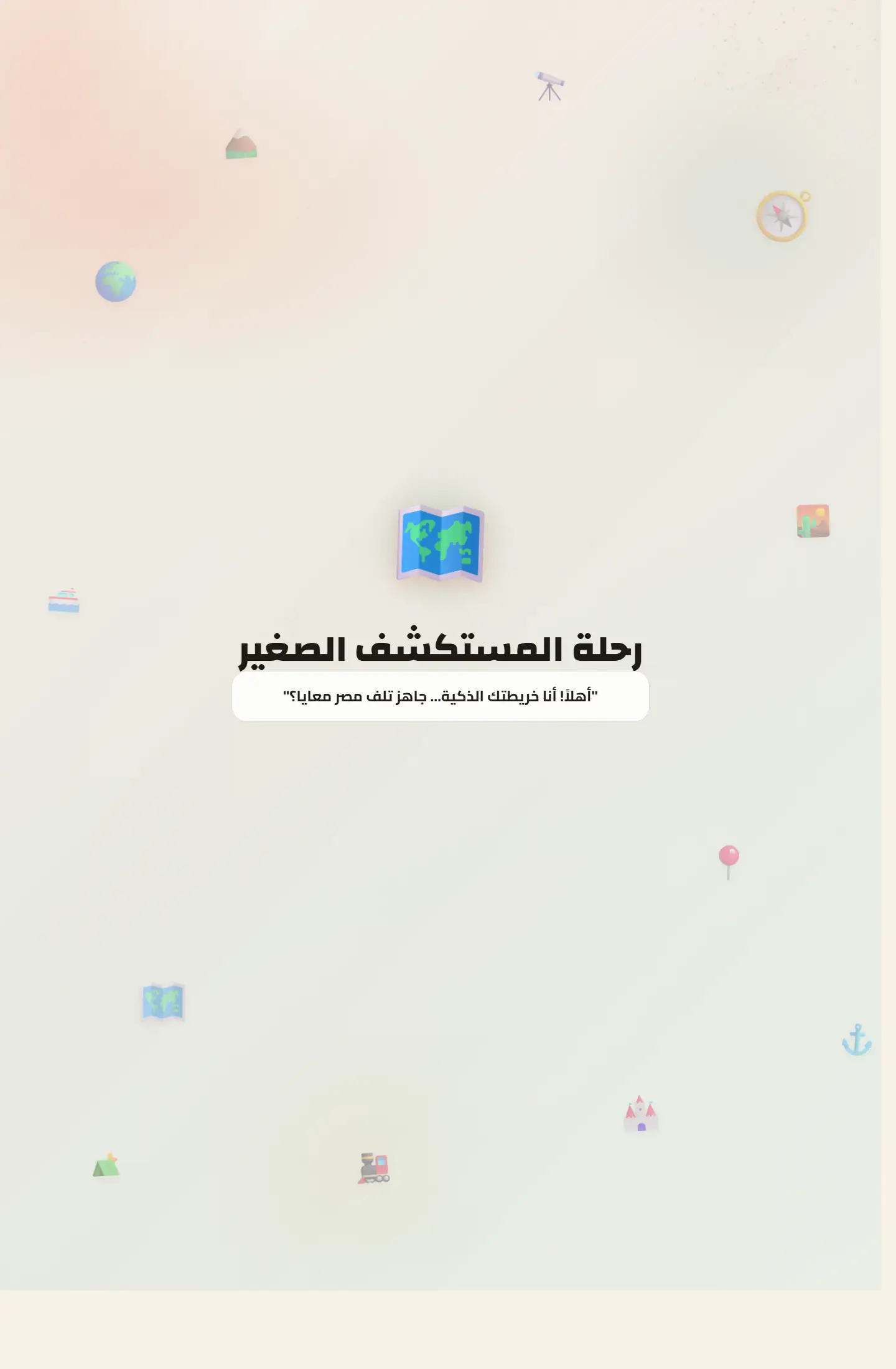
هذا الإصدار يعكس فكرة التطوير التكراري لنفس المنتج التعليمي، وهو أمر مهم جدًا عند عرض القدرة على تحسين التجربة وليس فقط إطلاقها مرة واحدة.
نسخة أخرى من لوحة التعلم الجغرافي تظهر اتساع التجربة وتطورها بصريًا عبر أكثر من إصدار منشور.
Project type
نسخة محسّنة من لوحة تحكم
Audience
العملاء الباحثون عن منتجات تتطور تدريجيًا
Role
تطوير النسخة البصرية وتجربة الاستخدام
Details made easier
When you open a project page, the goal is to understand the context, not scroll through repeated visuals. These two images create a clean pause between the intro and the details so the decisions behind the work are easier to follow.
Challenge
التحدي هنا ليس في بناء الفكرة من الصفر، بل في صقلها وتعديل طريقة عرضها لتكون أكثر نضجًا ووضوحًا بحسب النسخة.
Approach
تم الحفاظ على جوهر لوحة التعلّم مع إعادة ترتيب بصري وتطوير بعض مسارات التفاعل والعرض، بما يُظهر رحلة التحسين المستمرة.
Outcome
هذه الصفحة مفيدة جدًا داخل البورتفوليو لأنها لا تعرض مشروعًا فقط، بل تعرض أيضًا حس المتابعة والتطوير عبر النسخ المختلفة.
Focus
Version evolution
Polished dashboarding
Product refinement
Tech stack
Deliverables
Experience highlights
إيقاع أوضح
ثبات الهوية
تنقيح للشاشات
مزيد من التنظيم
Project snapshots
Same idea editions
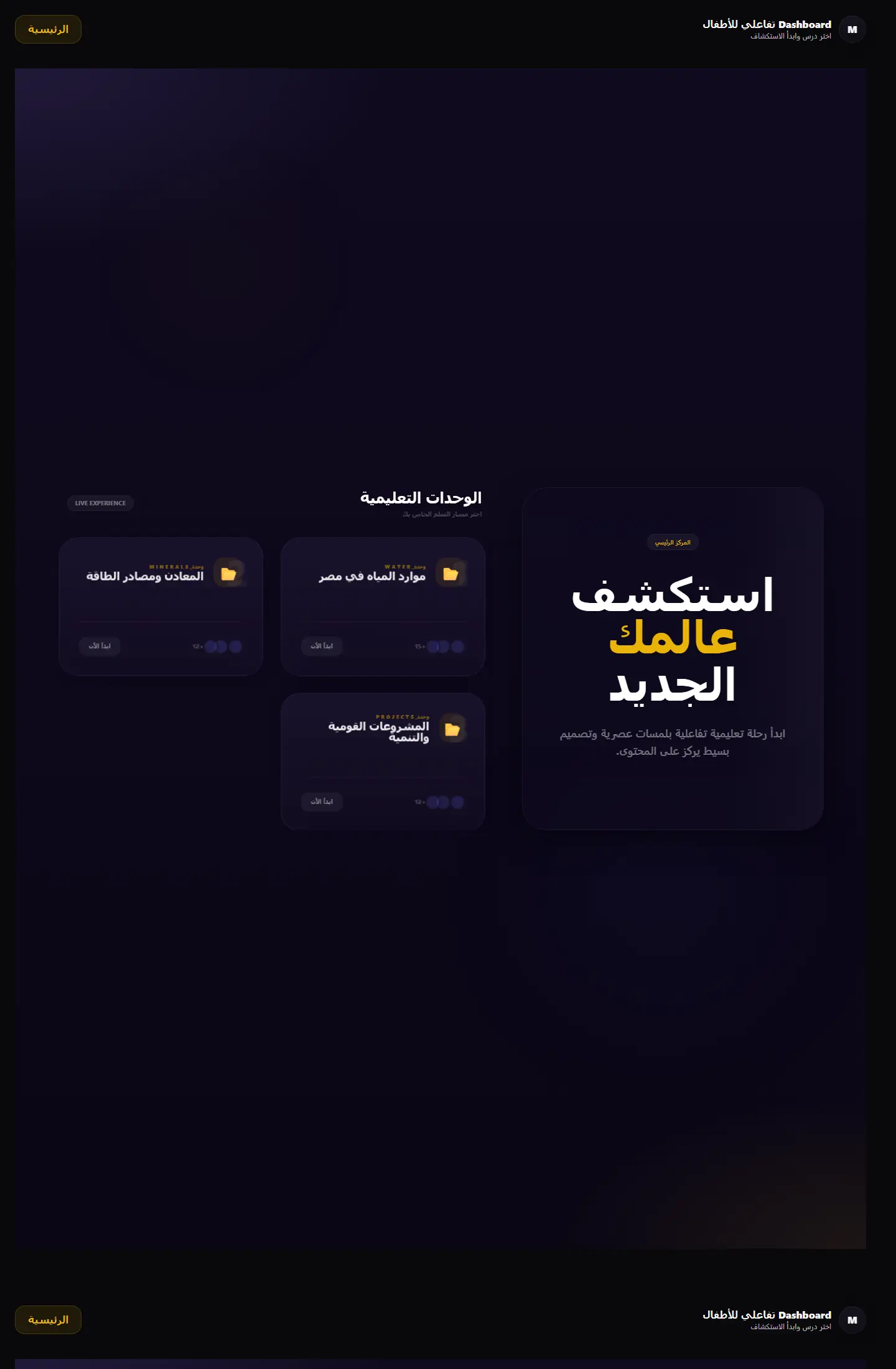
بوابة تعلم جغرافية تعرض الوحدات التعليمية والمهام في قالب منظّم يميل إلى المنتج التعليمي أكثر من لوحة الإدارة التقليدية.
Focus
Module clarity / Educational structure / Portal-like navigation
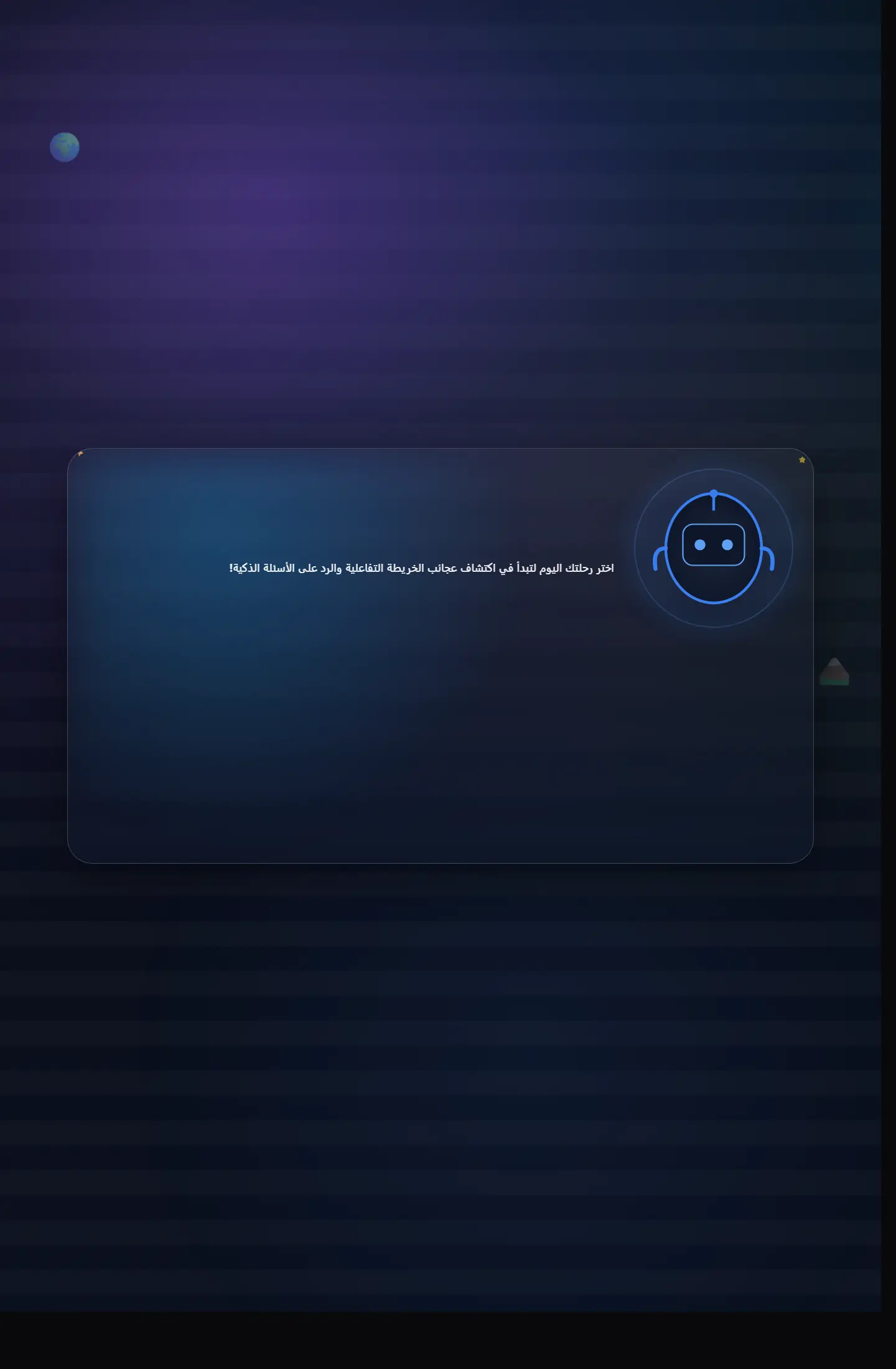
إصدار يركز على جانب الاختبارات داخل التجربة التعليمية الجغرافية مع واجهات مناسبة للمنافسة والتقييم.
Focus
Assessment flow / Retention / Clarity of answers
نسخة أنضج من لوحة الاختبارات الجغرافية، تظهر تطور الهيكل البصري والقدرة على الوصول إلى منتج أكثر اكتمالًا.
Focus
Maturity / Readability / Product polish
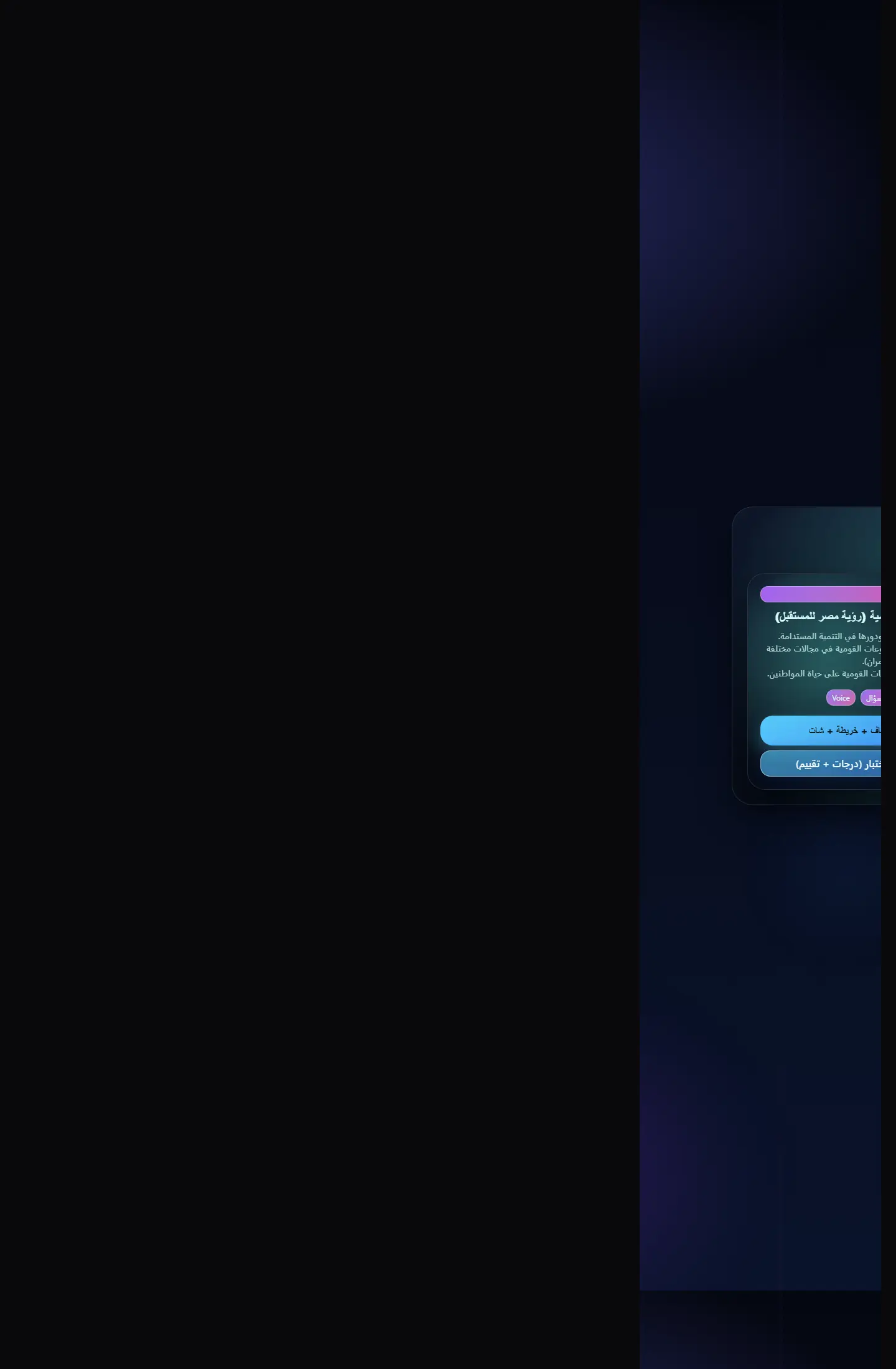
واجهة تقييم جغرافي تجمع بين الاختبارات والتنظيم البصري في نسخة مختصرة وفعّالة للعرض.
Focus
Core flow / Fast understanding / Assessment clarity
Related work
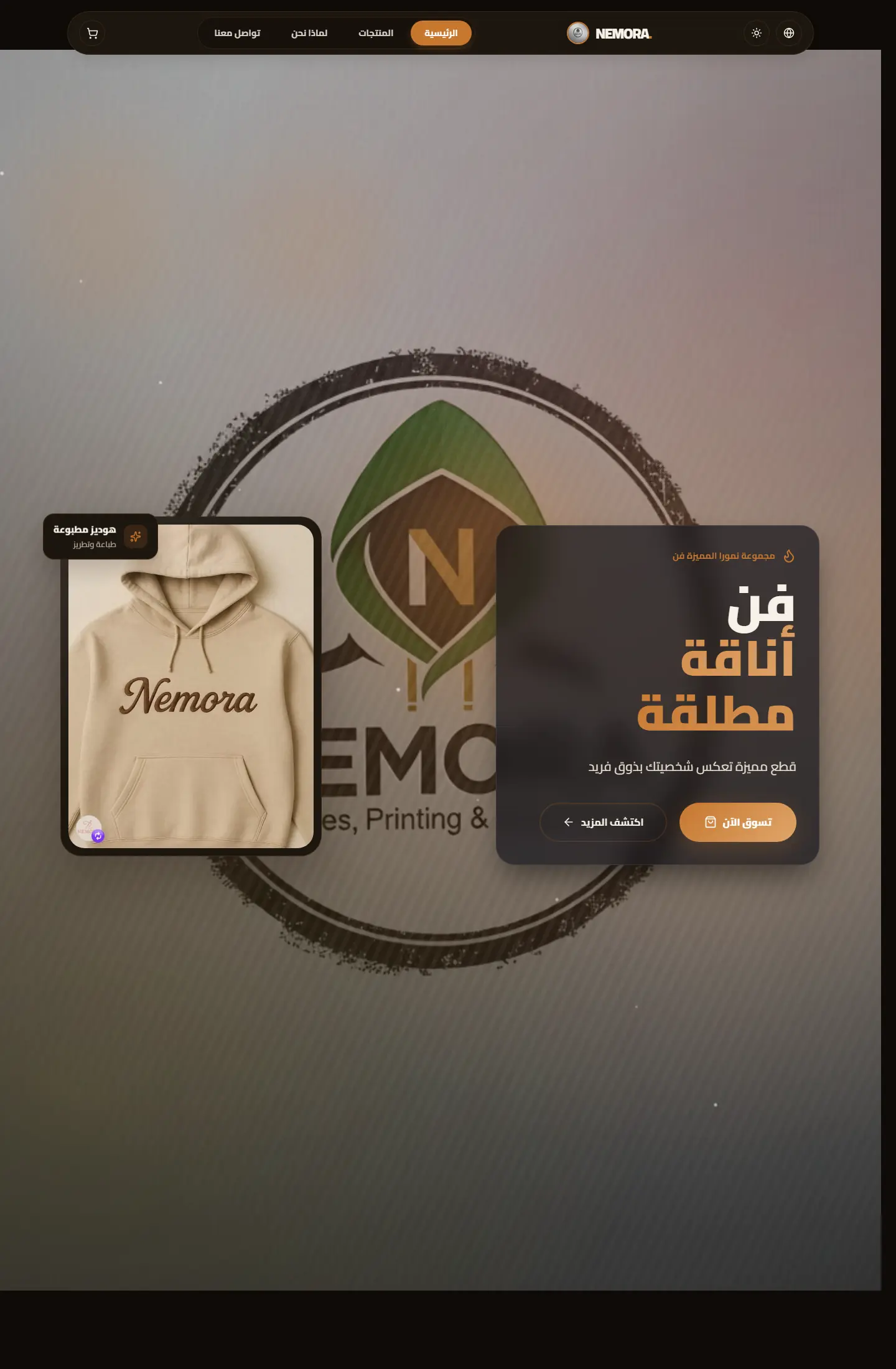
متجر رقمي لبراند ملابس مطبوعة يركز على إبراز الهوية، وضوح المنتج، وصناعة واجهة بيع تبدو حديثة ومريحة.
Focus
Brand presence / Product clarity / Conversion flow
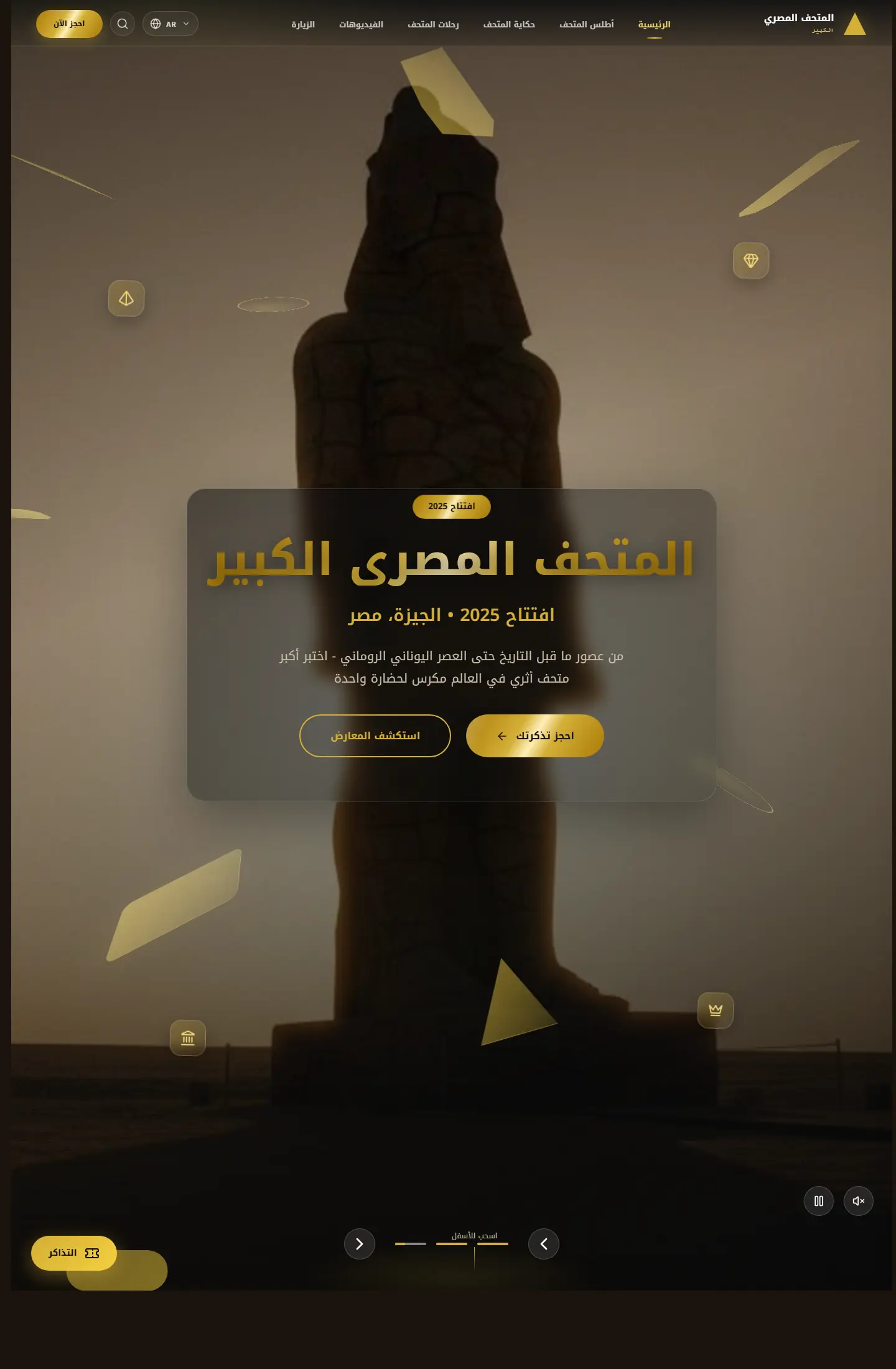
موقع ثقافي يقدّم تجربة عرض متحفية رقمية تمزج بين المعلومة، الإبهار البصري، وروح الاكتشاف.
Focus
Institutional feel / Immersive imagery / Cultural framing
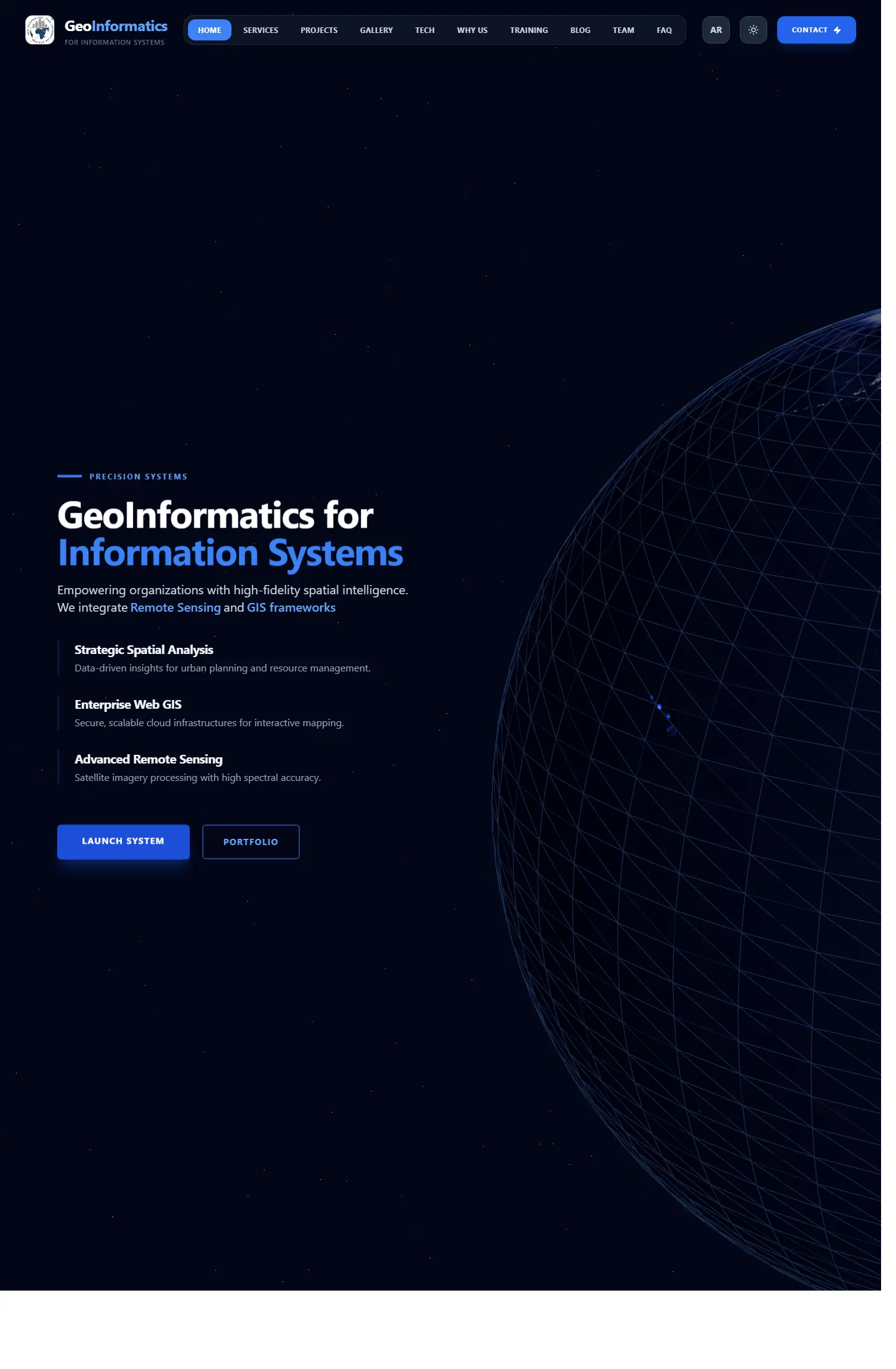
واجهة شركة تعمل في نظم المعلومات الجغرافية والاستشعار عن بعد، مع تركيز واضح على الخبرة والخدمات التقنية.
Focus
Technical clarity / Service packaging / Professional trust
Work as decision proof
We add context around each project: why it existed, the challenge, the solution, and what you can understand from browsing the work.
12+
projects to inspect
4
ways to browse work
1
clearer decision after browsing
Page story
This page does not repeat the same Work as decision proof story. Media, stages, and questions are tied to the kids geo dashboard netlify path so its goal is clear.
Before enrichment
When pages reuse the same hero and questions, visitors feel kids geo dashboard netlify is only a title change.
Image or video must serve the page question, not act as a background from one repeated family.
After enrichment
We assign a different rhythm to kids geo dashboard netlify: map, proof wall, dashboard, or editorial narrative depending on the route.
Questions mention kids geo dashboard netlify directly and explain a different hesitation point instead of copied FAQs.
Purposeful motion
The video acts as a visual pause specific to kids geo dashboard netlify, not the same feeling as neighboring pages.
The video changes reading rhythm instead of relying on similar cards.
It adds context for kids geo dashboard netlify and its role inside the journey.
Your questions before deciding
Because kids geo dashboard netlify answers a different question, and repeated design hides that difference from the client.
Problem, solution, stages, and questions are tied to kids geo dashboard netlify and its role inside the section.
No. Identity stays consistent through color and typography, while presentation rhythm changes by page goal.
Good work is not only displayed; it explains why you can trust the execution.