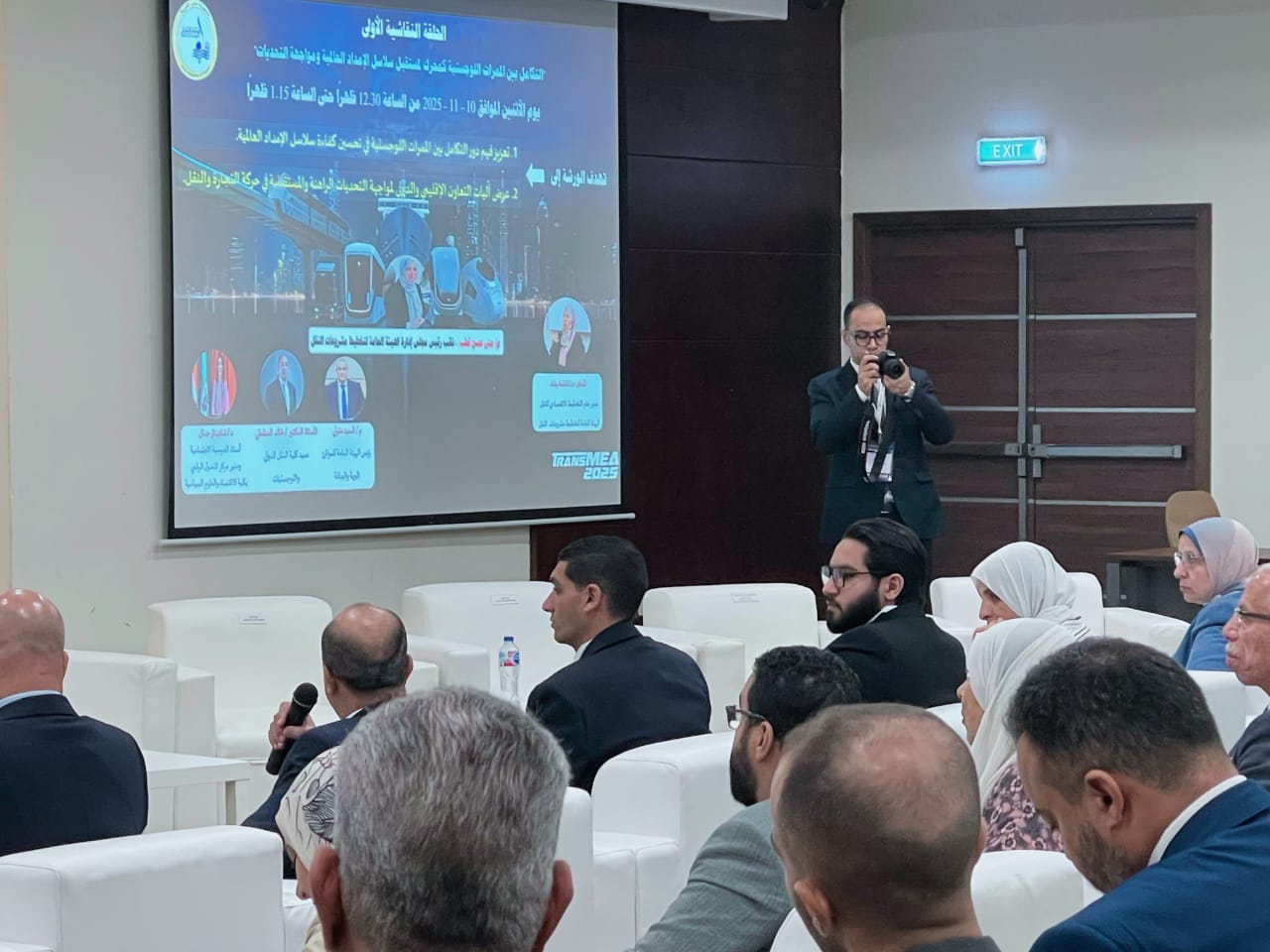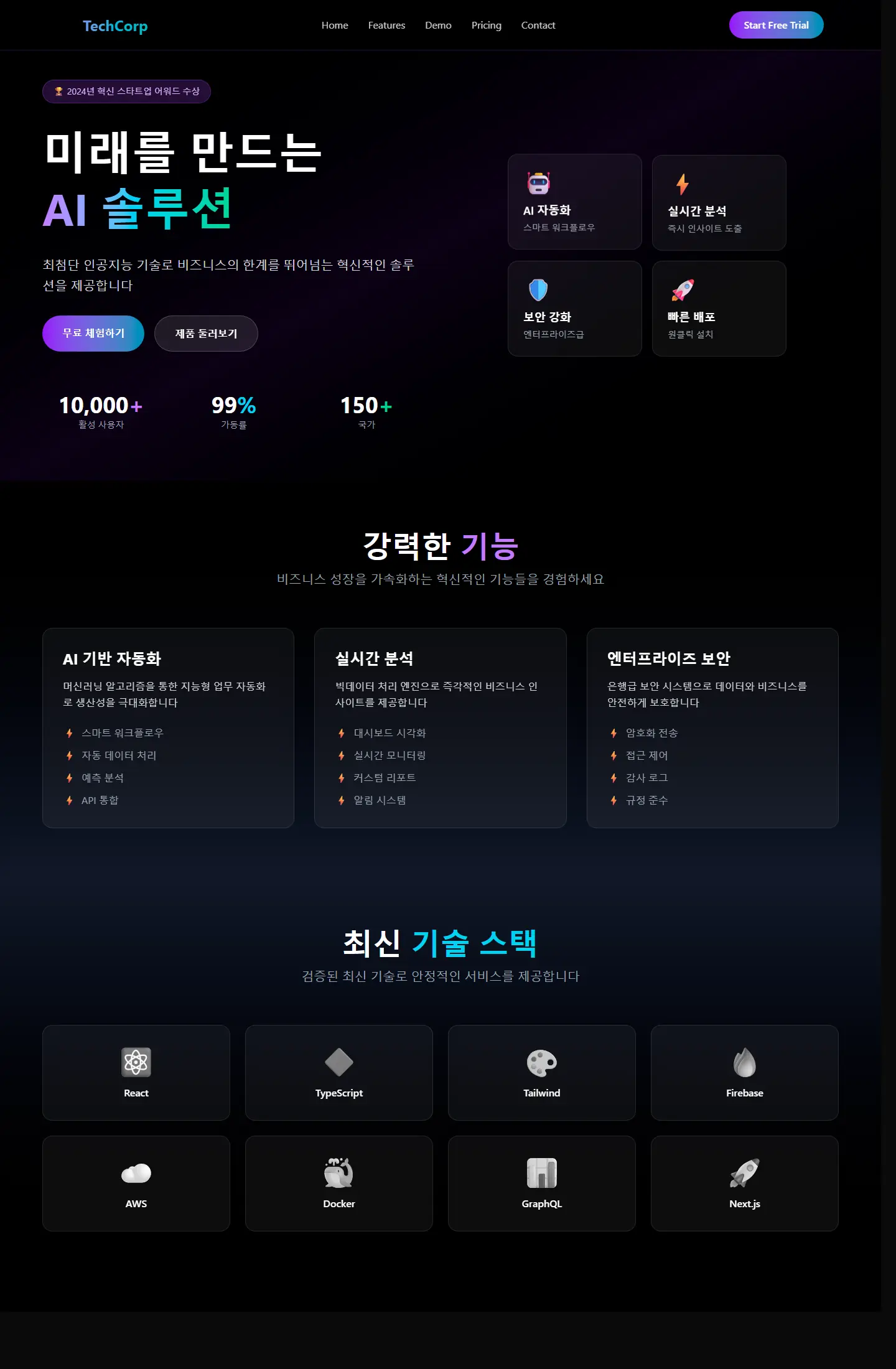
Reviewing a digital project across multiple screens before presentation

Project case study

EducationVersion 6

Version 6

هذا المشروع يطوّر فكرة اللوحة التعليمية باتجاه الاختبارات والتقييم، وهو ما يضيف طبقة تفاعلية مهمة لقياس الفهم وليس فقط تقديم المحتوى.

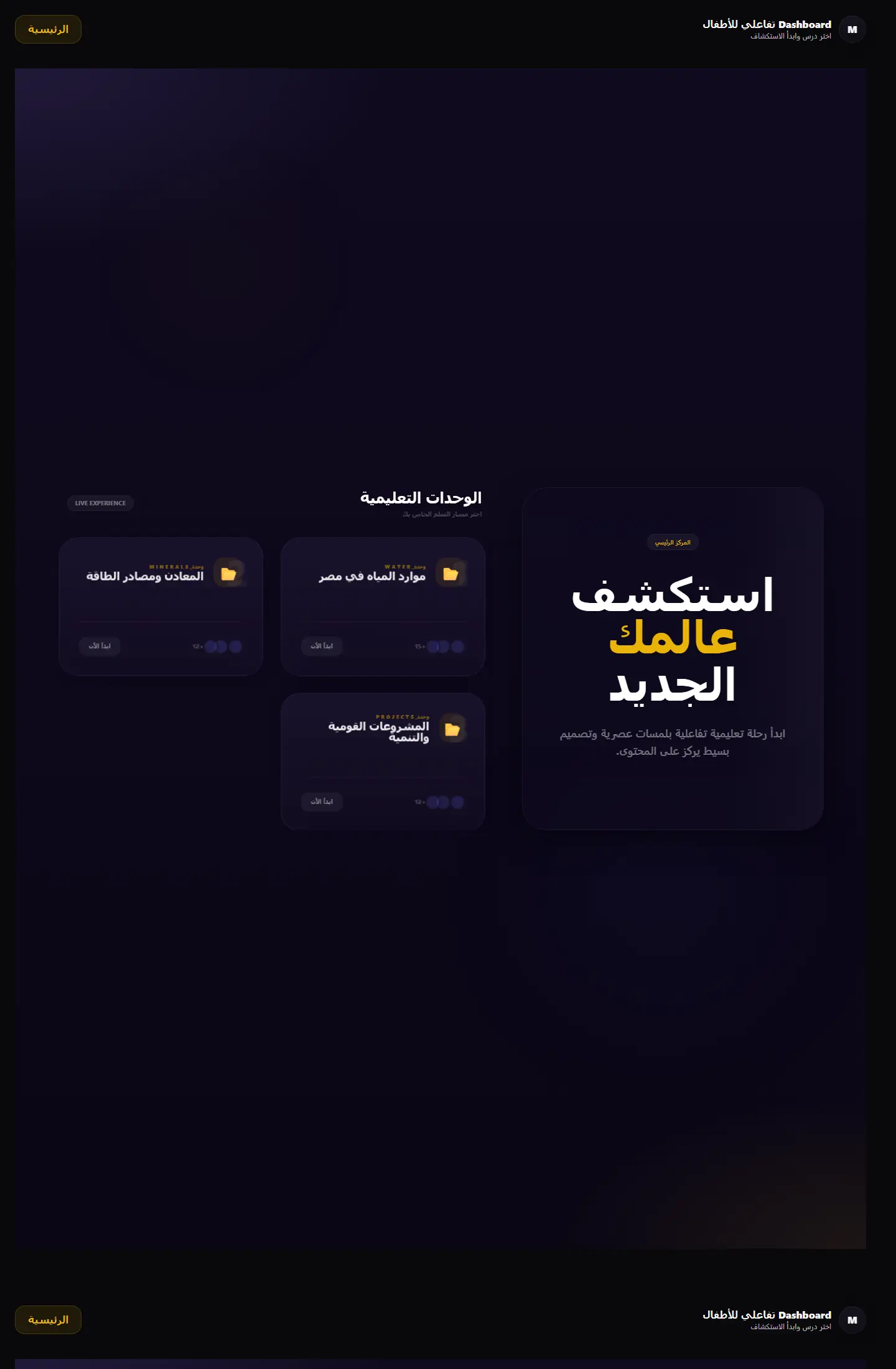
إصدار يركز على جانب الاختبارات داخل التجربة التعليمية الجغرافية مع واجهات مناسبة للمنافسة والتقييم.

Version 6

Project type

لوحة اختبارات تعليمية

Audience

الطلاب والمنصات التعليمية القائمة على التقييم

Role

تحويل التقييم إلى تجربة مرئية سهلة

Details made easier

Read case details with a visual rhythm that supports the decision.

When you open a project page, the goal is to understand the context, not scroll through repeated visuals. These two images create a clean pause between the intro and the details so the decisions behind the work are easier to follow.

Presentation room prepared for a digital project
Digital project visual for presenting outcomes

Challenge

What did the project really need?

بناء واجهة اختبار للأطفال يحتاج إلى وضوح كبير حتى تبقى التجربة مشجعة وليست مرهقة أو مشوشة.
Approach

How was the solution shaped?

تم تنظيم المشهد حول أسئلة، حالات تقدّم، مناطق تغذية راجعة، وعناصر تشجع المستخدم على الاستمرار خطوة بخطوة.

Outcome

What did the project deliver?

النتيجة واجهة تفاعلها تعليمي لكن إيقاعها قريب من التطبيقات الحديثة، وهو ما يمنح المنصة مظهرًا أكثر حيوية عند تقديمها للعميل.

Focus

Assessment flow

Retention

Clarity of answers

Tech stack

Quiz dashboardProgress statesFriendly educational UILive deployment

Deliverables

رحلة اختبار
حالات تقدم
واجهات تقييم
تغذية راجعة بصرية

Experience highlights

اختبارات مرتبة

ألوان مشجعة

وضوح للخطوات

تحكم بسيط

Project snapshots

A closer look at the interface

Version 6 1

Same idea editions

Other versions kept inside this project family

Dashboard Ana Map
Education

Dashboard Ana Map

Core dashboard edition

بوابة تعلم جغرافية تعرض الوحدات التعليمية والمهام في قالب منظّم يميل إلى المنتج التعليمي أكثر من لوحة الإدارة التقليدية.
Learning portal UIModule cards
Page
Netlify Edition
Education

Netlify Edition

Netlify edition

نسخة أخرى من لوحة التعلم الجغرافي تظهر اتساع التجربة وتطورها بصريًا عبر أكثر من إصدار منشور.

Iterative UI designDashboard variation
Page
Version 12
Education

Version 12

Version 12

نسخة أنضج من لوحة الاختبارات الجغرافية، تظهر تطور الهيكل البصري والقدرة على الوصول إلى منتج أكثر اكتمالًا.
Refined educational UIVersioned product design
Page
Quiz Dashboard
Education

Quiz Dashboard

Focused edition

واجهة تقييم جغرافي تجمع بين الاختبارات والتنظيم البصري في نسخة مختصرة وفعّالة للعرض.

Quiz-first layoutEducational cards
Page

Related work

Explore more projects

Work as decision proof

Work pages convince when they connect visuals to outcomes and execution

We add context around each project: why it existed, the challenge, the solution, and what you can understand from browsing the work.

12+

projects to inspect

4

ways to browse work

1

clearer decision after browsing

Reviewing a digital project across multiple screens before presentation
A mockup and interface planning shot for a digital project

Page story

Specific angle for kids geo quiz dashboard v6

This page does not repeat the same Work as decision proof story. Media, stages, and questions are tied to the kids geo quiz dashboard v6 path so its goal is clear.

Before enrichment

Similar pages inside projects

When pages reuse the same hero and questions, visitors feel kids geo quiz dashboard v6 is only a title change.

Generic media weakens contrast

Image or video must serve the page question, not act as a background from one repeated family.

After enrichment

Presentation rhythm 9

We assign a different rhythm to kids geo quiz dashboard v6: map, proof wall, dashboard, or editorial narrative depending on the route.

Route-linked questions

Questions mention kids geo quiz dashboard v6 directly and explain a different hesitation point instead of copied FAQs.

Purposeful motion

Video serving kids geo quiz dashboard v6

The video acts as a visual pause specific to kids geo quiz dashboard v6, not the same feeling as neighboring pages.

Break repetition

The video changes reading rhythm instead of relying on similar cards.

Clarify context

It adds context for kids geo quiz dashboard v6 and its role inside the journey.

Your questions before deciding

Answers that reduce hesitation before contact

Why does kids geo quiz dashboard v6 need a different design?

Because kids geo quiz dashboard v6 answers a different question, and repeated design hides that difference from the client.

How do we prevent repeated copy?

Problem, solution, stages, and questions are tied to kids geo quiz dashboard v6 and its role inside the section.

Does variety break the site identity?

No. Identity stays consistent through color and typography, while presentation rhythm changes by page goal.

Make every project a reason to reach out

Good work is not only displayed; it explains why you can trust the execution.

Start the conversation