Challenge
What did the project really need?
الرحلات التعليمية قد تصبح طويلة أو معقدة إذا لم تُقسّم جيدًا، لذا كان الهدف هو إبقاء الحركة واضحة والانتقال مفهومًا للمستخدم.

Project case study
هذا المشروع يغيّر زاوية العرض من فكرة الدروس أو الاختبارات إلى فكرة الرحلة التعليمية نفسها، وهو طرح جيد جدًا للمحتوى التفاعلي طويل النفس.
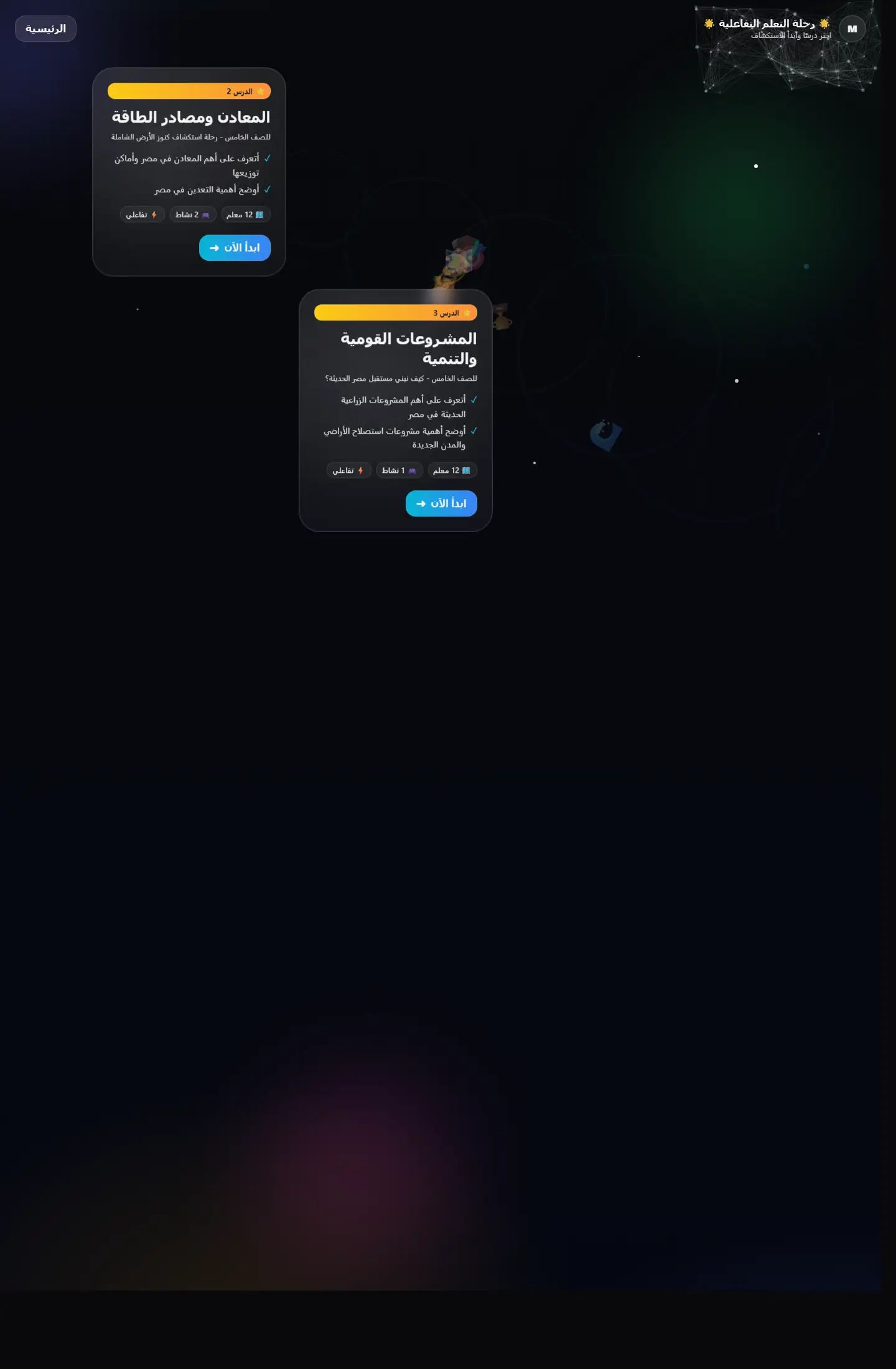
واجهة تعليمية تقدم التعلّم كرحلة متتابعة بدل صفحات منفصلة، مع اهتمام واضح بالتشويق والتنقل المنهجي.
Project type
رحلة تعليمية مرئية
Audience
المتعلمون الصغار ومنتجو المحتوى التفاعلي
Role
تحويل الرحلة التعليمية إلى واجهة قابلة للمتابعة
Details made easier
When you open a project page, the goal is to understand the context, not scroll through repeated visuals. These two images create a clean pause between the intro and the details so the decisions behind the work are easier to follow.
Challenge
الرحلات التعليمية قد تصبح طويلة أو معقدة إذا لم تُقسّم جيدًا، لذا كان الهدف هو إبقاء الحركة واضحة والانتقال مفهومًا للمستخدم.
Approach
تم توزيع الواجهة على مراحل وعقد تعليمية، مع حضور للخريطة أو المحطات كعناصر توجيه تجعل التقدم محسوسًا وبسيطًا.
Outcome
أعطى المشروع انطباعًا غنيًا بأن التعلم نفسه رحلة، وهي فكرة جذابة جدًا للعرض أمام عميل يعمل في المنصات التعليمية أو التجارب التفاعلية.
Focus
Narrative learning
Progression
Visual continuity
Tech stack
Deliverables
Experience highlights
سرد بصري
محطات واضحة
انتقال منطقي
روح تعليمية ممتعة
Project snapshots
Same idea editions
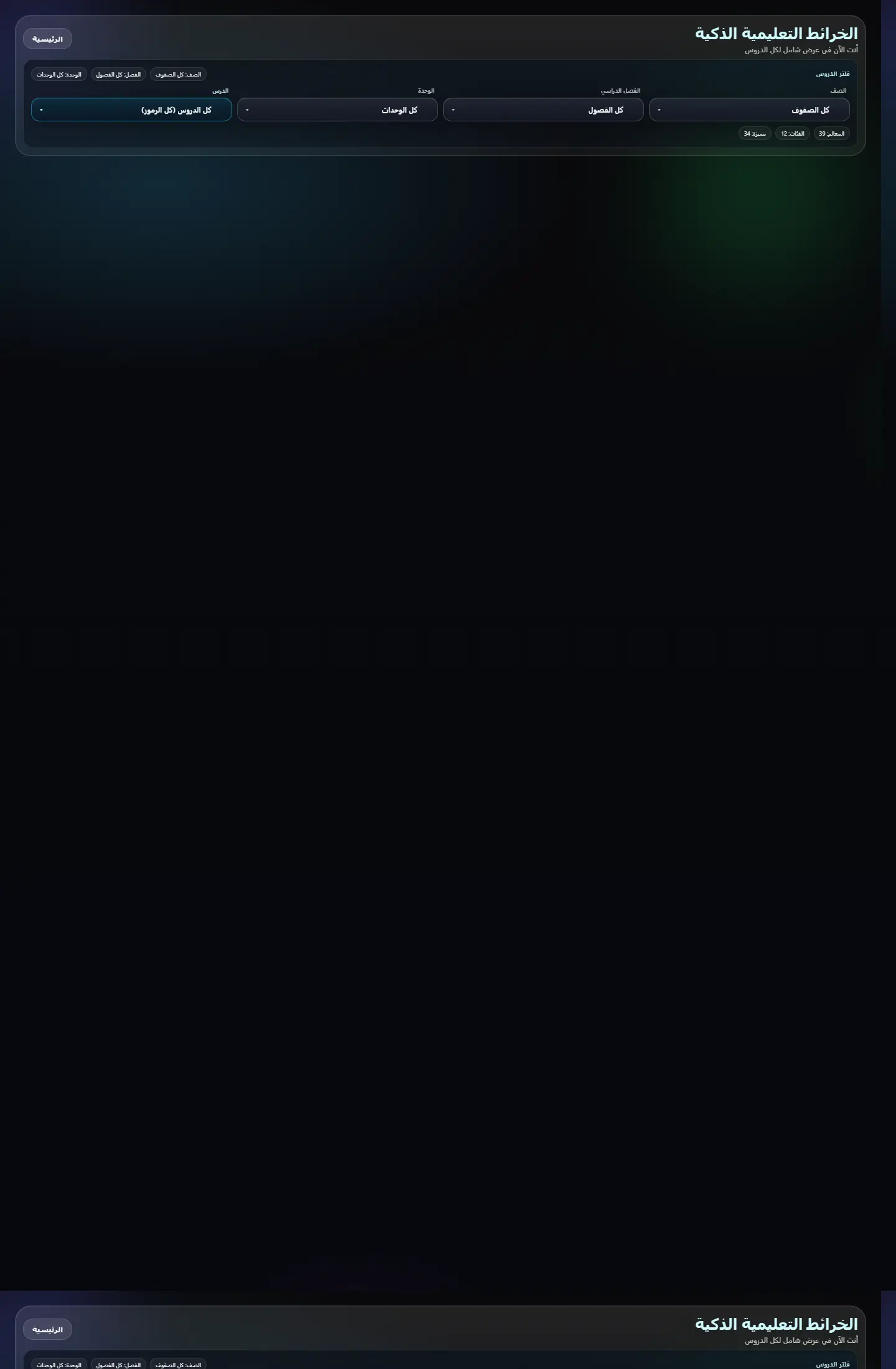
نسخة أخرى من مشروع الرحلة التعليمية توضح تنوع النشر ومرونة تقديم نفس الفكرة في أكثر من بيئة.
Focus
Continuity / Adaptability / Version storytelling
Related work
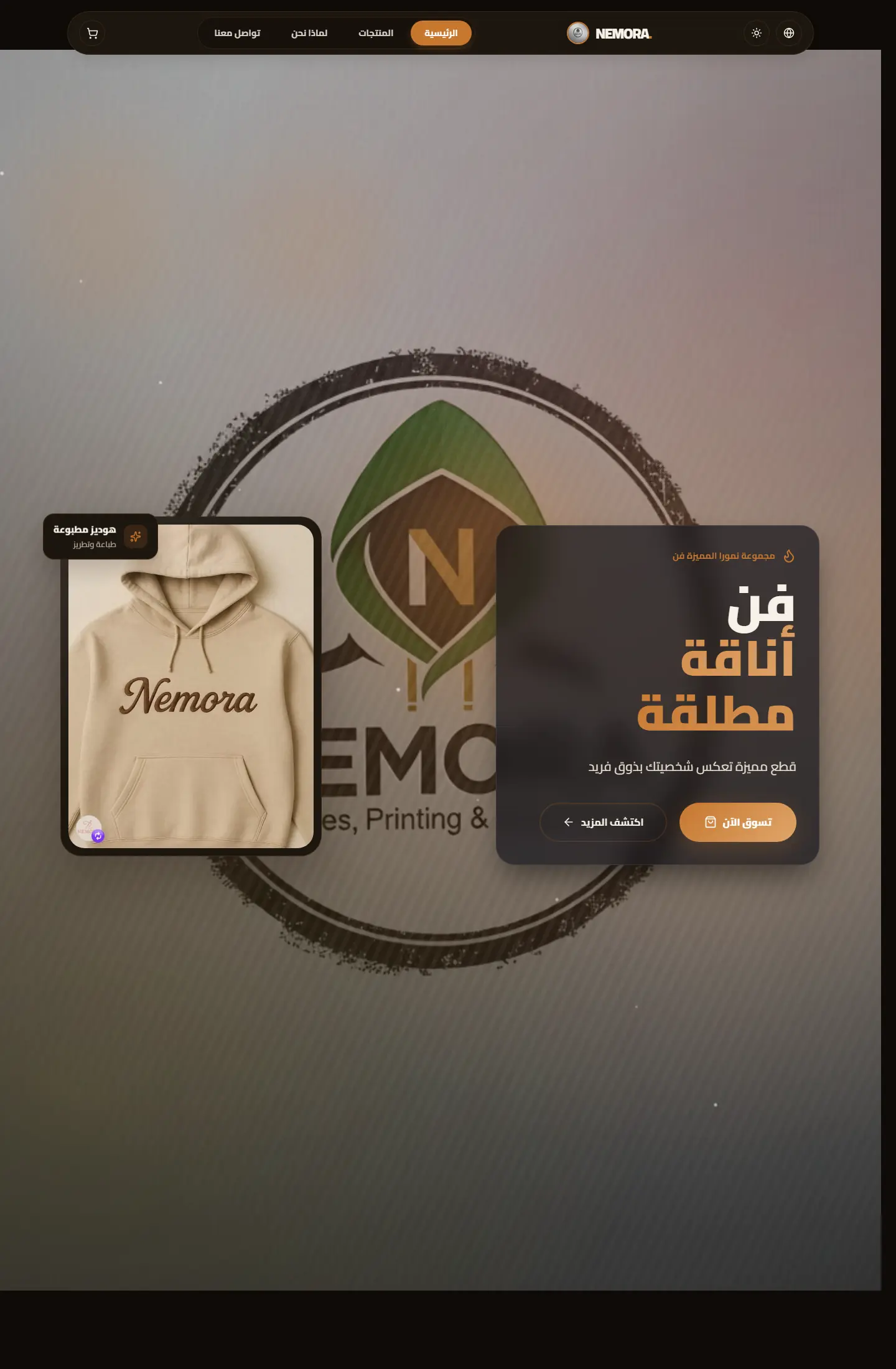
متجر رقمي لبراند ملابس مطبوعة يركز على إبراز الهوية، وضوح المنتج، وصناعة واجهة بيع تبدو حديثة ومريحة.
Focus
Brand presence / Product clarity / Conversion flow
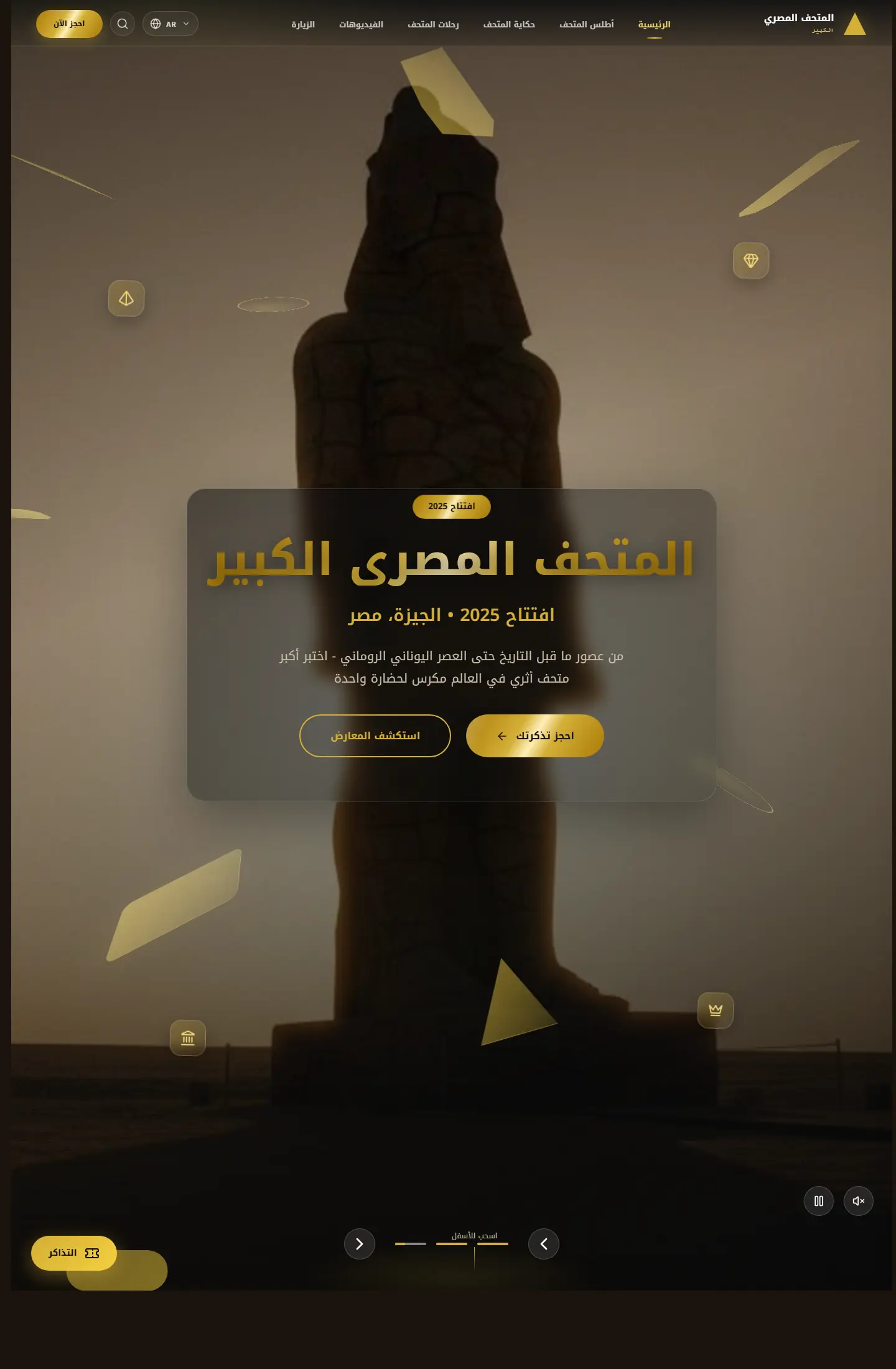
موقع ثقافي يقدّم تجربة عرض متحفية رقمية تمزج بين المعلومة، الإبهار البصري، وروح الاكتشاف.
Focus
Institutional feel / Immersive imagery / Cultural framing
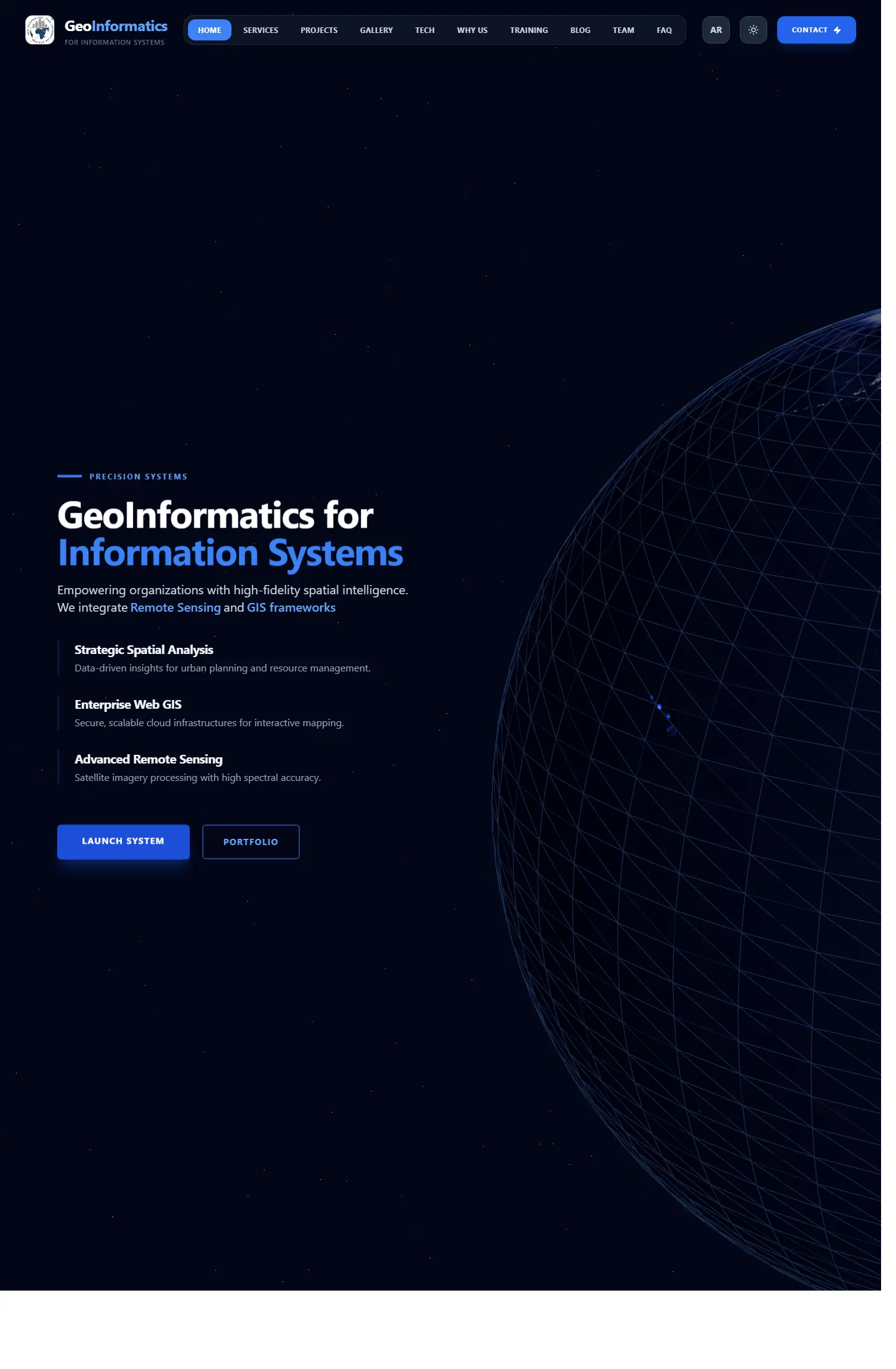
واجهة شركة تعمل في نظم المعلومات الجغرافية والاستشعار عن بعد، مع تركيز واضح على الخبرة والخدمات التقنية.
Focus
Technical clarity / Service packaging / Professional trust
Work as decision proof
We add context around each project: why it existed, the challenge, the solution, and what you can understand from browsing the work.
12+
projects to inspect
4
ways to browse work
1
clearer decision after browsing
Page story
This page does not repeat the same Work as decision proof story. Media, stages, and questions are tied to the interactive learning journey path so its goal is clear.
Before enrichment
When pages reuse the same hero and questions, visitors feel interactive learning journey is only a title change.
Image or video must serve the page question, not act as a background from one repeated family.
After enrichment
We assign a different rhythm to interactive learning journey: map, proof wall, dashboard, or editorial narrative depending on the route.
Questions mention interactive learning journey directly and explain a different hesitation point instead of copied FAQs.
Purposeful motion
The video acts as a visual pause specific to interactive learning journey, not the same feeling as neighboring pages.
The video changes reading rhythm instead of relying on similar cards.
It adds context for interactive learning journey and its role inside the journey.
Your questions before deciding
Because interactive learning journey answers a different question, and repeated design hides that difference from the client.
Problem, solution, stages, and questions are tied to interactive learning journey and its role inside the section.
No. Identity stays consistent through color and typography, while presentation rhythm changes by page goal.
Good work is not only displayed; it explains why you can trust the execution.